シーン 1
AIエージェント、使いこなせてない人必見!
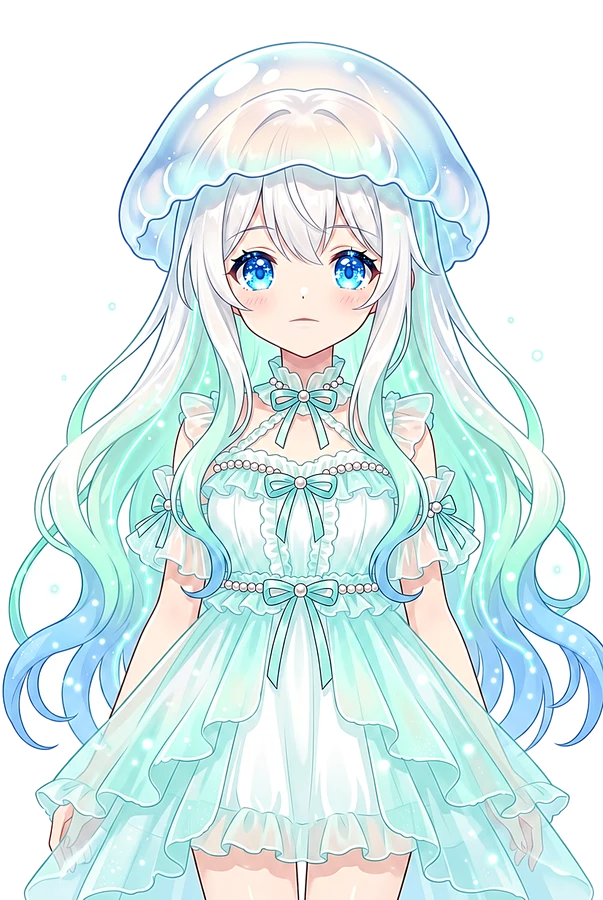
Kurage VTuber looking surprised at a complex web of icons, vertical 9:16, clean virtual studio, light gradient background, presenter safe zone, 5600K key light
シーン 2
Slack、GitHub、CI…情報がバラバラで、AIに毎回同じ背景を説明してませんか?これ、すごく効率悪いですよね。
Split screen showing Slack, GitHub, and CI logos with messy arrows, vertical 9:16, floating UI panels, soft rim light, friendly AI explainer atmosphere
シーン 3
その問題を解決するのが、Blockが公開したオープンソースのワークスペース「Buzz」です。
Logo of Buzz appearing in a futuristic workspace, vertical 9:16, white tech studio, subtle data particles, caption-safe lower area
シーン 4
これは単なる「AI入りSlack」じゃない。人間とAIエージェントが、同じチームで働くための場所なんです。
Human and AI robot sitting at the same desk looking at a screen, vertical 9:16, professional educational set, calm motion graphics, bright optimistic lighting
シーン 5
最大の特徴はNostr。メッセージもコードもCI結果も、すべて署名付きの履歴として一箇所に集約されます。
Digital logs flowing into a single glowing central hub, vertical 9:16, clean virtual studio, light gradient background, presenter safe zone, 5600K key light
シーン 6
エージェントを「実装」「レビュー」「調査」と役割分担して、同じチャンネルで働かせることができます。
Three different AI icons with labels: Implementation, Review, Research, vertical 9:16, floating UI panels, soft rim light, friendly AI explainer atmosphere
シーン 7
具体的な手順はこれ!まず不具合用の非公開チャンネルを作り、担当する人間とエージェントを招待します。
User clicking 'Create Private Channel' on a workspace UI, vertical 9:16, white tech studio, subtle data particles, caption-safe lower area
シーン 8
会話、パッチ、テスト結果をすべて同じ場所に残すだけ。AIが「なぜそう判断したか」まで追えるようになります。
A timeline showing chat bubbles and code snippets mixed together, vertical 9:16, professional educational set, calm motion graphics, bright optimistic lighting
シーン 9
難しい実装は高性能なクラウド、機密性の高い処理はローカルモデル…という使い分けも可能です。
Cloud icon vs Local server icon with data flowing to each, vertical 9:16, clean virtual studio, light gradient background, presenter safe zone, 5600K key light
シーン 10
セキュリティ面では、エージェントごとに固有の鍵を持ち、参加できるチャンネルを限定する設計になっています。
Digital keys and locks securing specific chat rooms, vertical 9:16, floating UI panels, soft rim light, friendly AI explainer atmosphere
シーン 11
【注意!】現時点では一部E2E暗号化されていないので、機密情報は入れないように気をつけてくださいね!
Warning sign with a 'No Secret Data' icon, vertical 9:16, white tech studio, subtle data particles, caption-safe lower area
シーン 12
まずは小さな検証用コミュニティから。「人間1人+エージェント2体」の構成で、説明し直しの削減を試しましょう!
Kurage pointing at a 'Get Started' button with a small team icon, vertical 9:16, professional educational set, calm motion graphics, bright optimistic lighting
 Kurage URL2Earn — この動画ページのURLをXやブログで紹介すると、10,000 URLAI トークンをKurageさんがお届け(1人1回・先着制)。受け取り方を見る →
