シーン 1
TodoistやTrelloの人数課金が積み上がる、あるいは社外にタスクを置くのが気になる…そんな悩みありませんか?
Frustrated office worker looking at expensive subscription bills and cloud icons, vertical 9:16, slow push-in, shallow depth of field, teal orange grade, negative space
シーン 2
その解決策としておすすめなのが、自社サーバーで動くタスク管理OSS「Vikunja(ヴィクーニャ)」です。
Logo of Vikunja software on a secure private server, vertical 9:16, data reveal, floating numbers, parallax layers, crisp caption-safe center
シーン 3
Dockerを使えば最小構成でわずか5分、実測では12秒で画面まで立ち上がります。DBサーバーの用意も不要です。
Fast docker deployment animation showing terminal and web UI, vertical 9:16, documentary reconstruction, practical light, soft shadows, slow lateral drift
シーン 4
機能面でも優秀!リスト、カンバン、ガントチャート、テーブルの4つのビューをプロジェクトごとに切り替えて使えます。
Split screen showing Kanban board and Gantt chart views, vertical 9:16, pull-back reveal, atmospheric haze, rule of thirds, film grain
シーン 5
さらにTodoistやTrelloからのデータインポートにも対応しているので、スムーズな移行が可能です。
Data moving from Trello/Todoist icons into Vikunja logo, vertical 9:16, slow push-in, shallow depth of field, teal orange grade, negative space, narration-first
シーン 6
日本語対応についてですが、初期状態では約91%が翻訳済み。残りの9%、つまり135キーが英語のまま残ります。
Percentage chart showing 91% Japanese and 9% English, vertical 9:16, data reveal, floating numbers, parallax layers, crisp caption-safe center
シーン 7
この未訳部分をすべて翻訳し、本家のプラットフォームへ投入する活動も進めています。即時利用用のパッチも公開済みです。
Developer translating text and pushing to GitHub/Crowdin, vertical 9:16, documentary reconstruction, practical light, soft shadows, slow lateral drift
シーン 8
スマホとの連携も強力!CalDAV対応により、iPhoneの標準カレンダーやThunderbirdと同期できます。
Smartphone showing calendar synced with a task management app, vertical 9:16, pull-back reveal, atmospheric haze, rule of thirds, film grain
シーン 9
運用のコツは「部署→案件」のようにプロジェクトを2階層にすること。これで全社横断のフィルタが効くようになります。
Organizational chart showing Department > Project structure, vertical 9:16, slow push-in, shallow depth of field, teal orange grade, negative space, narration-first
シーン 10
バックアップは、DBファイルと添付ファイルの2点だけを日次でコピーするだけで復旧可能です。
Backup icon pointing to database and file folders, vertical 9:16, data reveal, floating numbers, parallax layers, crisp caption-safe center
シーン 11
注意点その1!本番環境では、公式例のroot実行設定を見直し、専用のUID/GIDに変更しましょう。
Security warning sign with Linux user permissions text, vertical 9:16, documentary reconstruction, practical light, soft shadows, slow lateral drift
シーン 12
注意点その2!初期設定後は必ず新規登録をfalseにし、招待制やLDAP連携に切り替えるのが安全です。
Lock icon on a registration page with 'Invite Only' text, vertical 9:16, pull-back reveal, atmospheric haze, rule of thirds, film grain
シーン 13
自社サーバーで人数課金なしのタスク管理を実現しましょう。導入から運用までの手順は概要欄をチェック!
Happy team working efficiently with a private server icon, vertical 9:16, slow push-in, shallow depth of field, teal orange grade, negative space, narration-first
シーン 14
当社の導入キットやテンプレートも公開しています。ぜひ活用してくださいね!
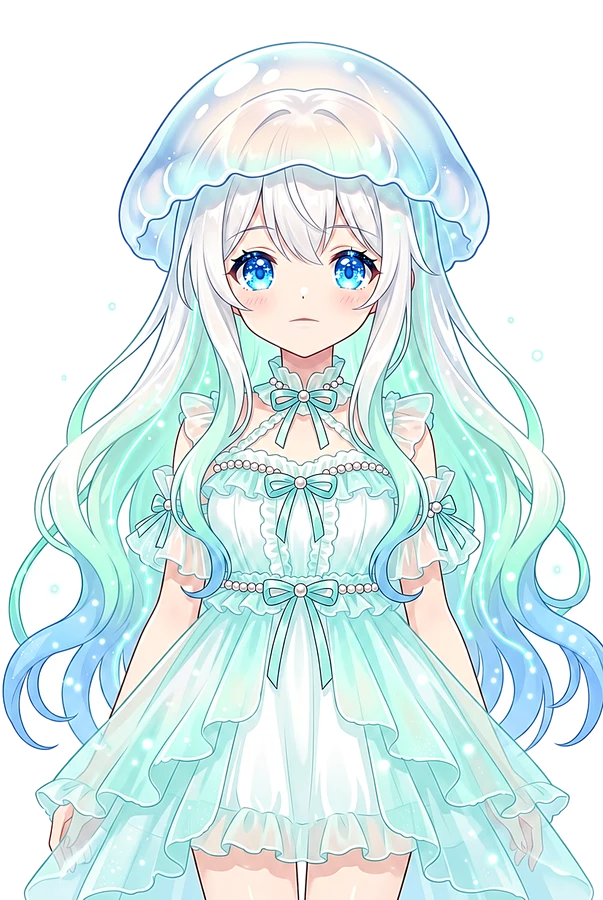
Kurage pointing to the description link below, vertical 9:16, data reveal, floating numbers, parallax layers, crisp caption-safe center
 Kurage URL2Earn — この動画ページのURLをXやブログで紹介すると、10,000 URLAI トークンをKurageさんがお届け(1人1回・先着制)。受け取り方を見る →
